Lab-01
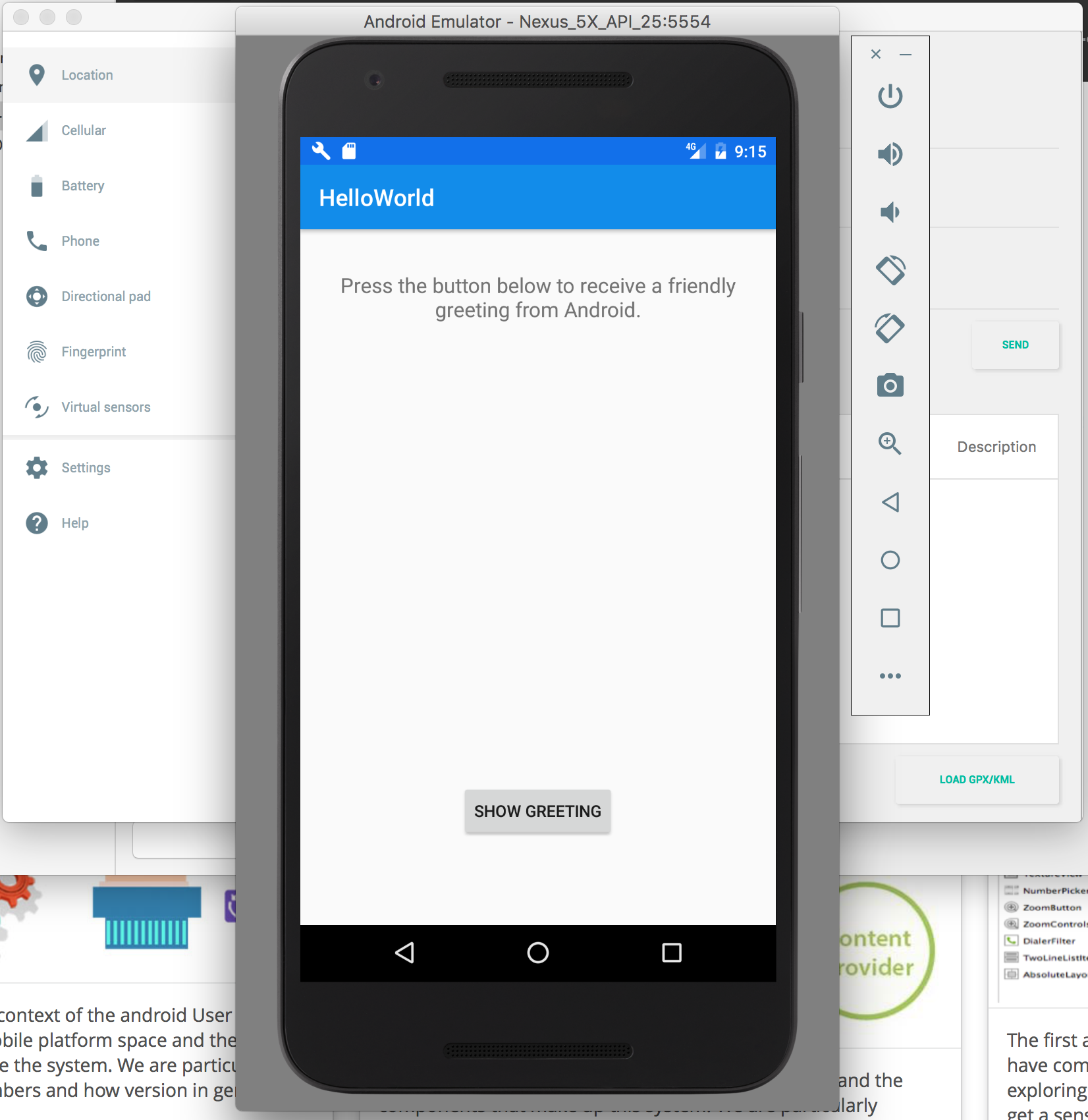
Here we discuss how to install and set up effective tools for Android application development. These include the Android Studio IDE + an emulator. We'll also create a simple Android App (HelloWorld), and be able to manage it within the Android Studio environment.
Lab-02
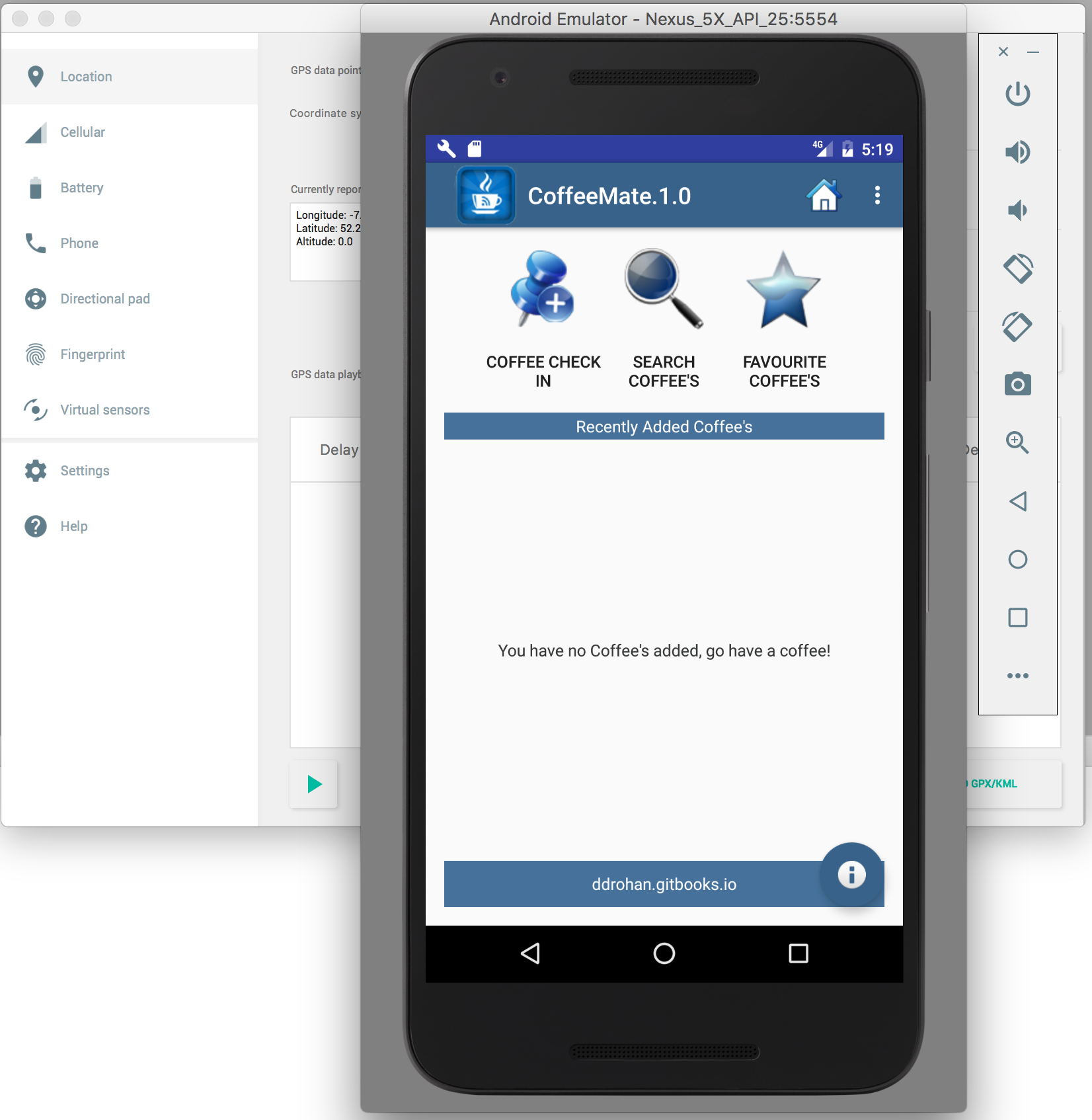
In this Lab, you will be required to build the first version of our Donation Case Study App, called Donation.1.0. Here, we will add in a few UI widgets on a single layout and implement some basic event handling.
Lab-03
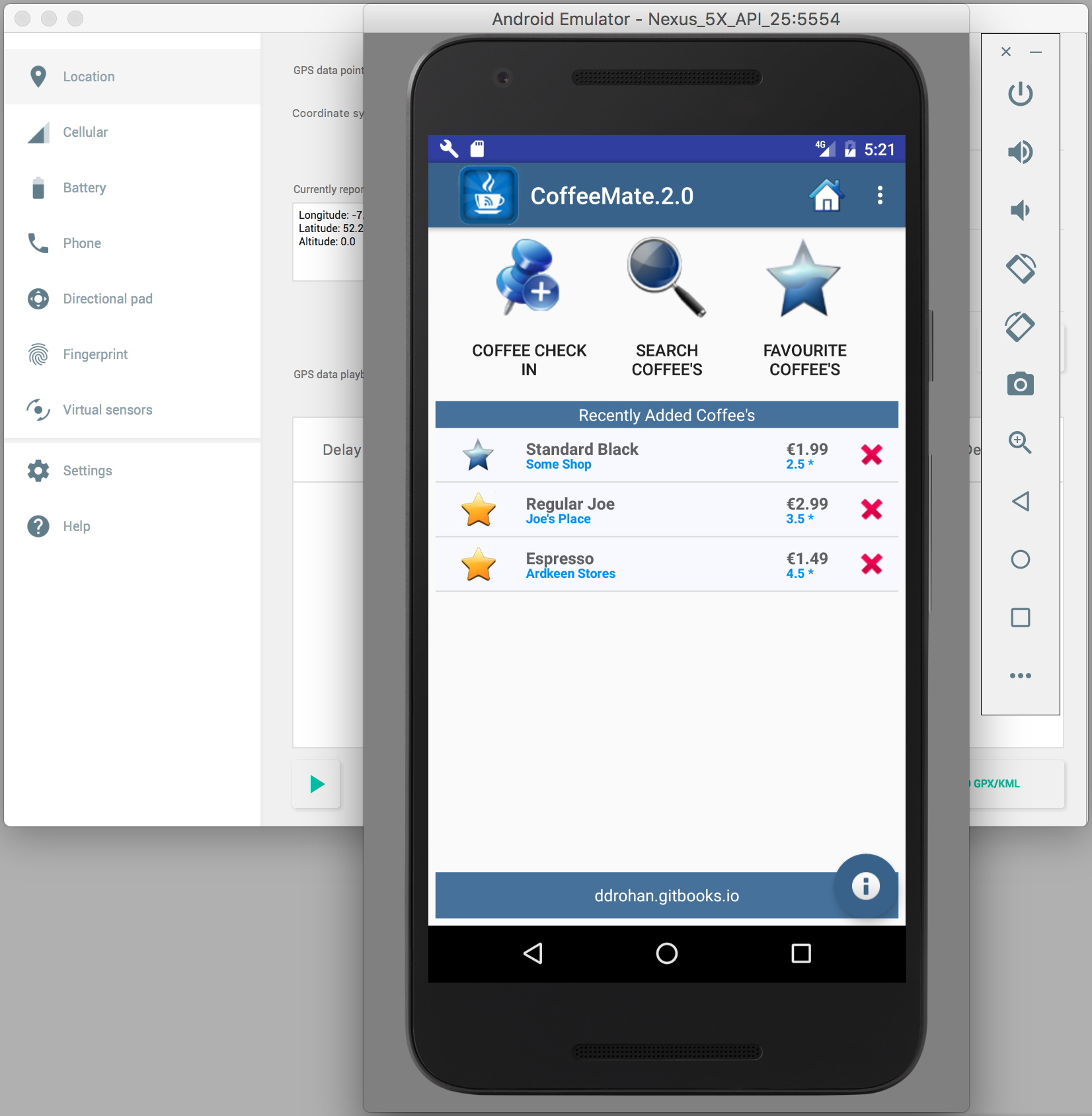
In this Lab, you will be required to build the first version of our Donation Case Study App, called Donation.1.0. Here, we will add in a few UI widgets on a single layout and implement some basic event handling.
Lab-04
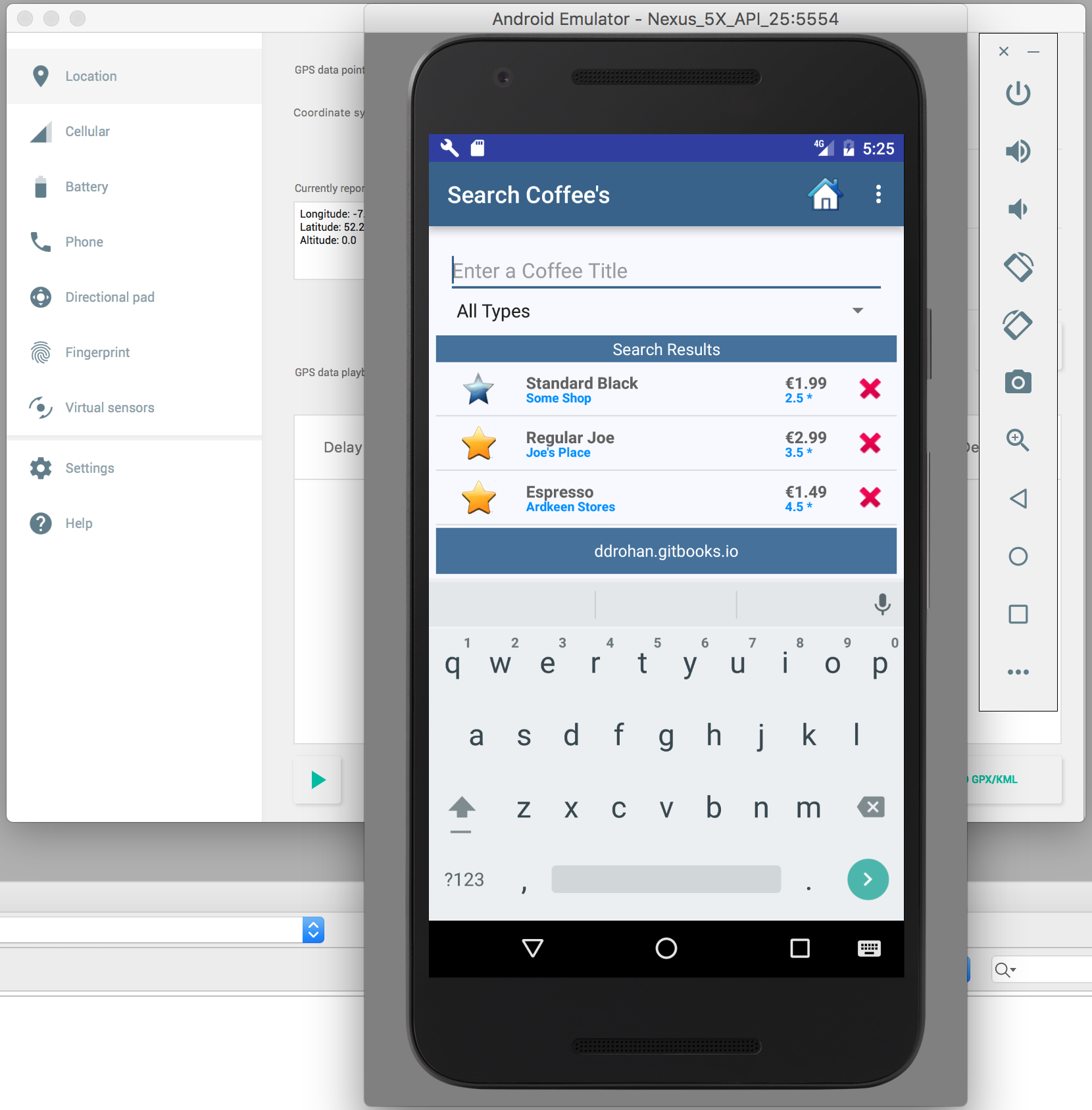
In this Lab, you will be required to build the first version of our Donation Case Study App, called Donation.1.0. Here, we will add in a few UI widgets on a single layout and implement some basic event handling.
Lab-05
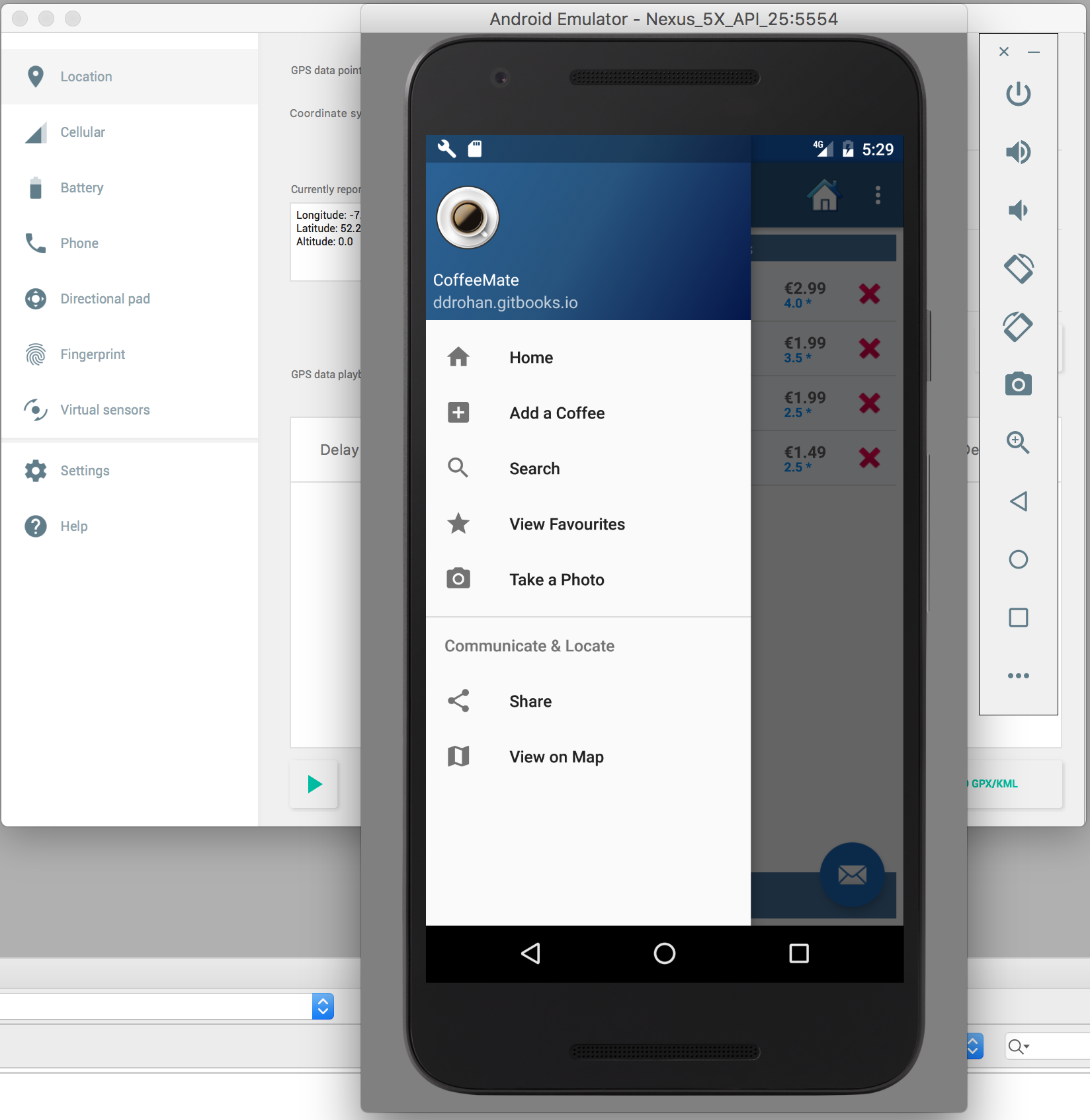
In this Lab, you will be required to build the first version of our Donation Case Study App, called Donation.1.0. Here, we will add in a few UI widgets on a single layout and implement some basic event handling.
Lab-06
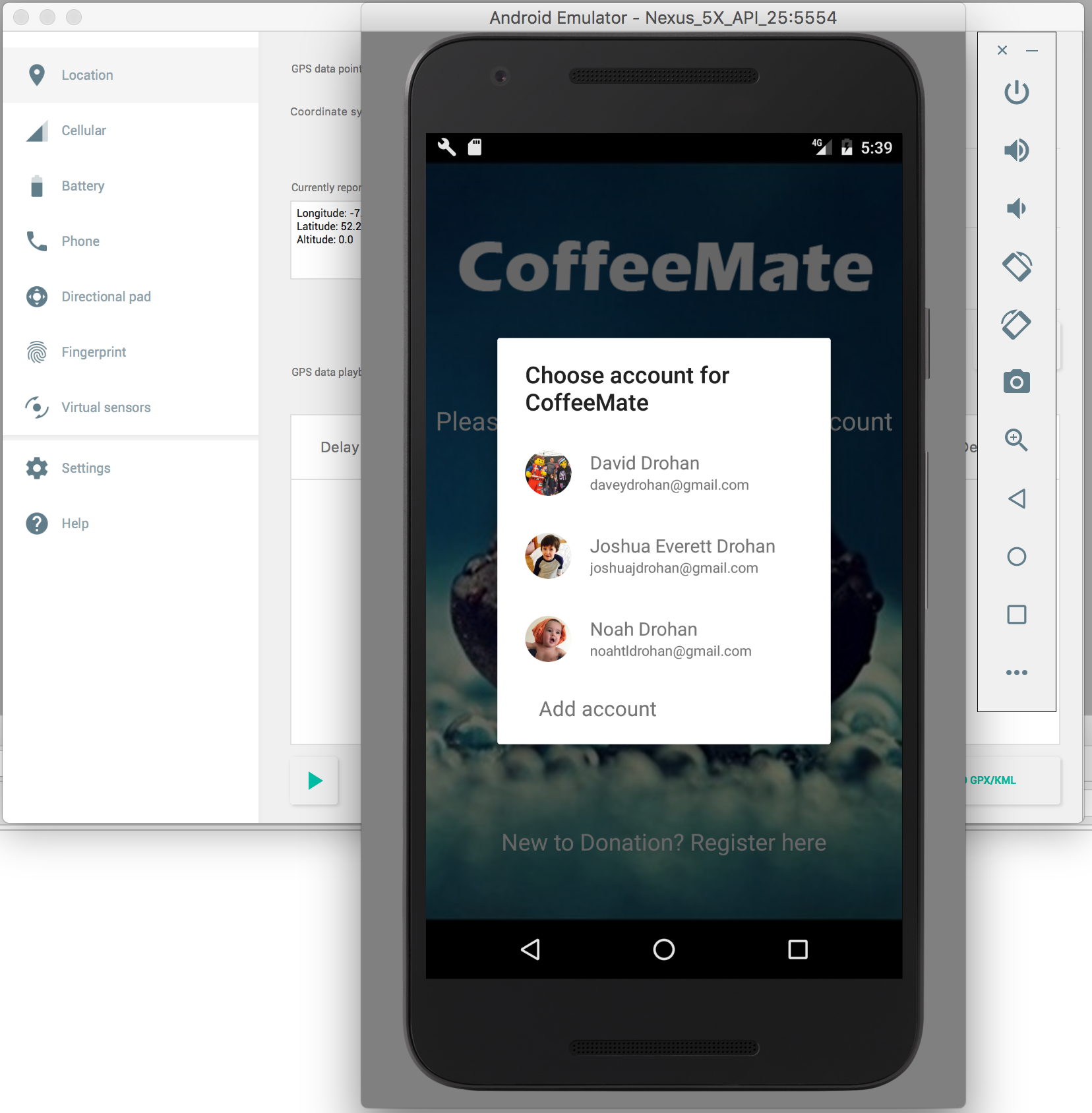
In this Lab, you will be required to build the first version of our Donation Case Study App, called Donation.1.0. Here, we will add in a few UI widgets on a single layout and implement some basic event handling.
Lab-07
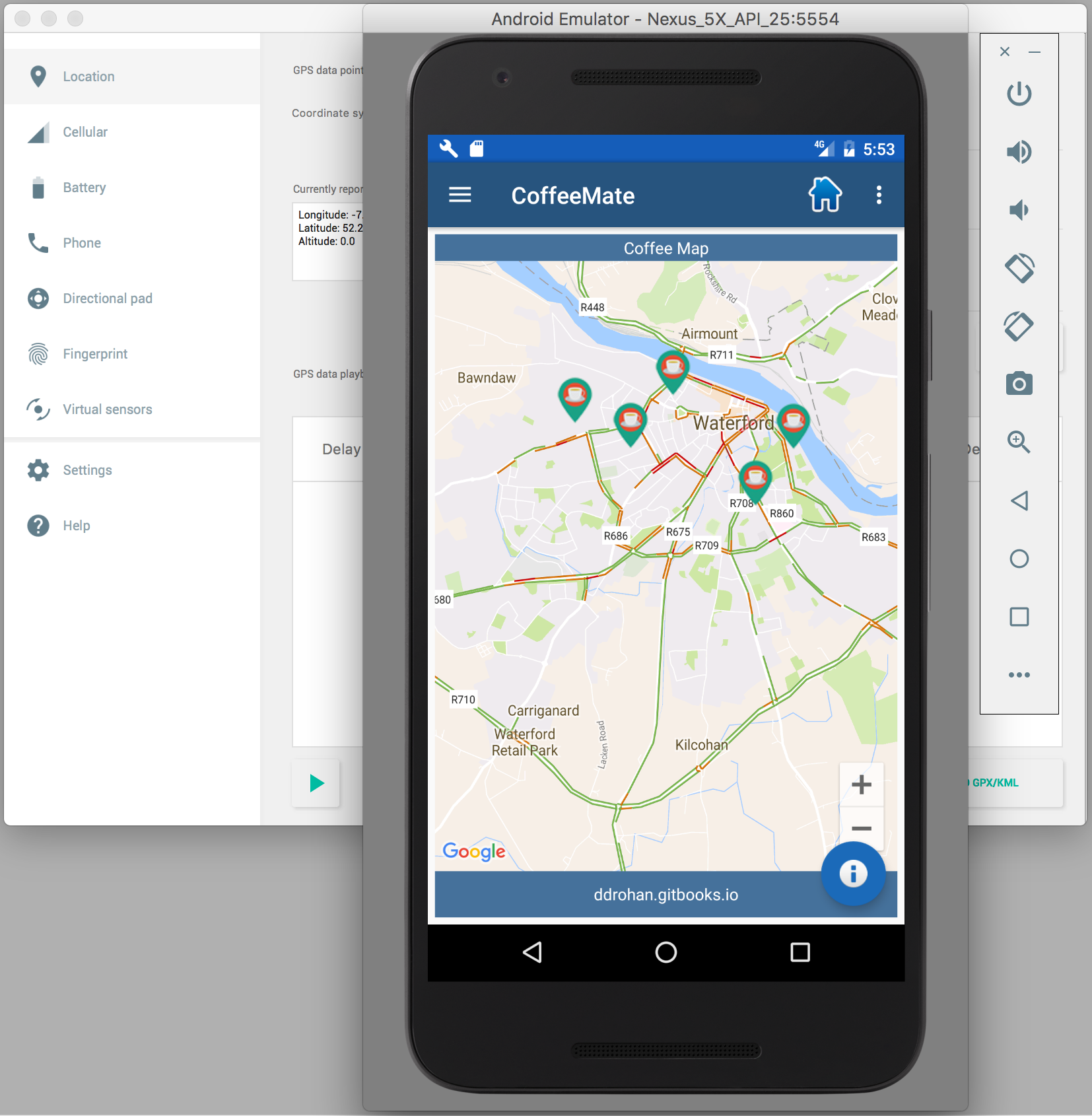
In this Lab, you will be required to build the first version of our Donation Case Study App, called Donation.1.0. Here, we will add in a few UI widgets on a single layout and implement some basic event handling.